AI video files disappear faster than you think
If you create AI videos with tools such as Doubao AI, Seedance, Runway, Pika, Kling or other video generation platforms, your library can become messy very quickly. A single project may contain prompt tests, short previews, final clips, upscaled versions, music tests, subtitles and social media exports.
FluxClip is useful at the first step: saving your own AI-generated videos or authorized public video materials from a share link. But after the file lands on your computer or phone, you still need a storage system. Otherwise, your best clips may end up scattered across the Downloads folder, chat apps, browser cache, cloud sync folders and random USB drives.
- You need fast storage for clips you are actively editing.
- You need cheap storage for old projects and finished exports.
- You need a second copy in case a drive fails.
- You need an off-site copy in case your laptop, phone or local drive is lost.
- You need a clear folder structure so you can find the right clip later.
A simple AI video backup workflow
For most independent creators, the goal is not to build a complicated studio archive. The goal is to stop losing useful clips and make editing smoother. A practical workflow can be this:
- Save the clip: use FluxClip to save your own AI video or authorized public video material.
- Rename immediately: use a clear name such as
2026-06-26_doubao_cat-cafe_clip01_original.mp4. - Edit on a fast SSD: keep active projects on a portable SSD or internal SSD.
- Archive to a large hard drive: move finished projects to a cheaper HDD archive.
- Keep one extra copy: use a second drive, NAS or cloud backup for important projects.
A good rule is: SSD for speed, hard drive for capacity, NAS for a shared local library, cloud backup for disaster recovery.
SSD, hard drive, NAS or cloud: which one should you choose?
| Need | Best choice | Why |
|---|---|---|
| Editing 4K/AI video clips | Portable SSD | Fast read and write speeds help timeline playback, copying and proxy workflows. |
| Storing many finished exports | External HDD | More terabytes for less money, suitable for archive rather than active editing. |
| Access from desktop, laptop and phone | NAS | Central library with folders, permissions and automatic local backup tools. |
| Protection from theft, fire or local drive loss | Cloud backup | Off-site copy keeps important work recoverable when local devices fail. |
Recommended storage products for AI video creators
The exact model, capacity and price change often, so always check the Amazon listing before buying. The product positions below are designed for different creator workflows instead of one universal ranking.
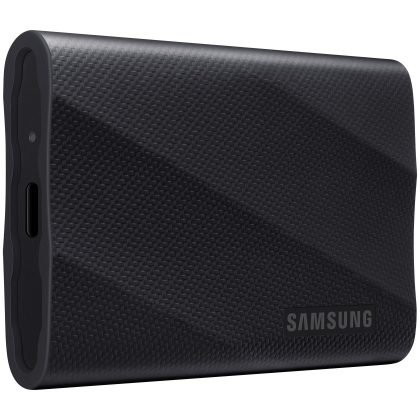
Choose the 2TB version for active AI video editing. 1TB can fill up quickly once you keep originals, upscaled clips and exports. 4TB is excellent but usually much more expensive, so 2TB is the best balance for most short-form creators.
View 2TB on Amazon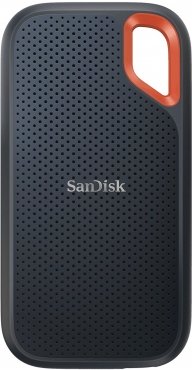
Choose the 2TB version if you often move projects between devices or work outside. It is large enough for current AI video projects without becoming as expensive as a 4TB travel SSD. 1TB is acceptable only if you regularly archive finished work elsewhere.
View 2TB on Amazon
Choose the 5TB version as a budget archive drive. AI video creators generate many test clips and exports, so 2TB can feel small very quickly. 5TB is a practical portable archive size for finished projects and older materials.
View 5TB on Amazon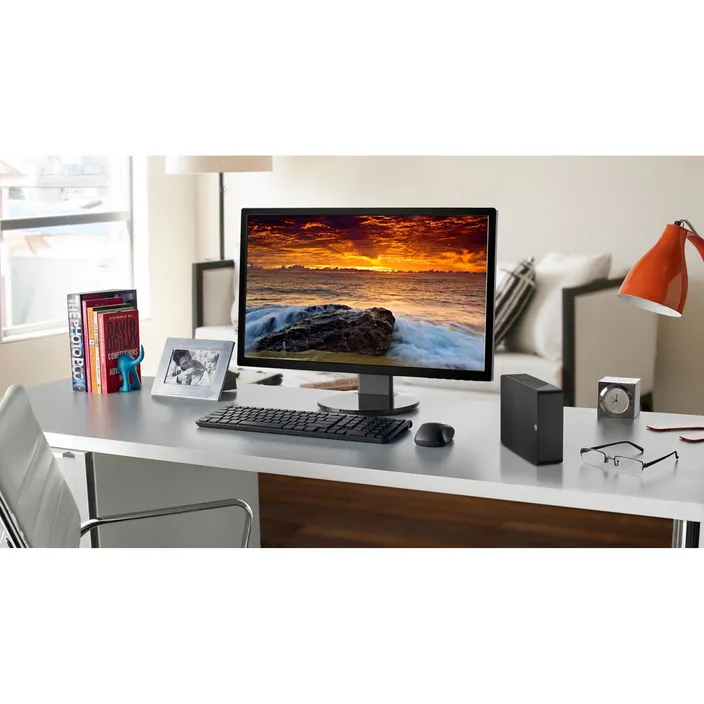
Choose the 8TB version if you want a desk-based archive for many finished AI video projects. It is less portable because it usually needs external power, but it gives better long-term capacity than small portable drives.
View 8TB on Amazon
Choose the 2-bay DS224+ enclosure for a small creator archive. Pair it with two NAS drives of the same size. For AI video work, the practical starting configuration is 2 × 8TB drives in a mirrored setup, giving drive-failure protection while keeping the workflow simple.
View 2-bay NAS on Amazon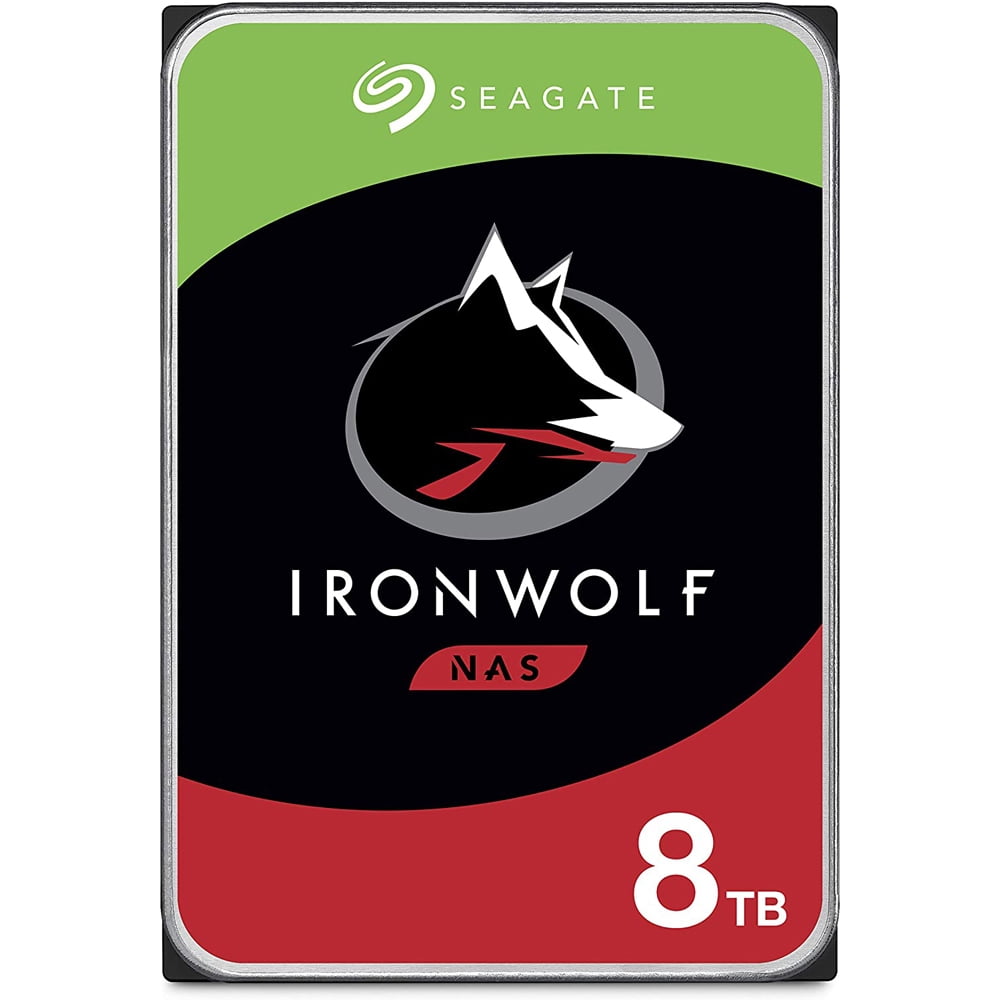
Choose two matching 8TB NAS drives for a DS224+ or similar 2-bay NAS. 4TB per drive is usable but easy to outgrow; 12TB per drive is better for heavy creators but costs more. 8TB each is the most reasonable starting point for a serious AI video archive.
View 8TB NAS drives on AmazonRecommended setup for different creator levels
Beginner: one SSD + one backup HDD
Start with a 1TB or 2TB portable SSD for current projects. Add a 4TB or 5TB external hard drive for finished exports. Once a week, copy your active project folder from the SSD to the HDD.
Short-form creator: SSD + large desktop archive + cloud backup
If you produce many TikTok, Reels, Shorts or AI video tests, use a fast SSD for editing, a large desktop HDD for archive, and a cloud backup service for the most important client or monetized projects.
Home studio: SSD + NAS + off-site backup
If your AI video work becomes serious, a NAS can become your central library. Keep your active projects on SSD, archive finished projects to the NAS, and still keep another off-site copy. A mirrored NAS protects against one drive failure, but it does not protect you from accidental deletion, malware, theft or fire.
Folder structure that actually works
Do not rely on random names like download.mp4 or final_final_2.mp4. A simple folder system is enough:
AI_VIDEO_LIBRARY/
  2026-06-cat-cafe/
    01-original-downloads/
    02-editing-project/
    03-music-and-sfx/
    04-subtitles/
    05-final-exports/
    06-thumbnails/
After using FluxClip to save a video, put the original file into 01-original-downloads. Keep exports in 05-final-exports. This makes it much easier to rebuild a video later.
FAQ
Can I edit video directly from an external hard drive?
You can, but it is usually slower. For active editing, an SSD is a better choice. Use a hard drive for archive storage and backup copies.
How much storage do AI video creators need?
For casual short-form clips, 1TB to 2TB of fast SSD storage can be enough for active projects. For long-term archive, 4TB to 12TB is more realistic if you generate a lot of versions and exports.
Is NAS necessary for a solo creator?
Not at the beginning. A portable SSD plus a backup hard drive is simpler and cheaper. NAS becomes useful when your library grows, you use multiple devices, or you want an always-on local archive.
Does FluxClip replace storage or backup software?
No. FluxClip helps you parse and save video links. It does not permanently host, cache or distribute your files. You still need your own storage and backup workflow.
Can I save Doubao AI videos with FluxClip?
FluxClip can help save public share links when the original video resource is available. Use it for videos you created yourself or have permission to save and use.